Adding Auto-Comments to DM Automation
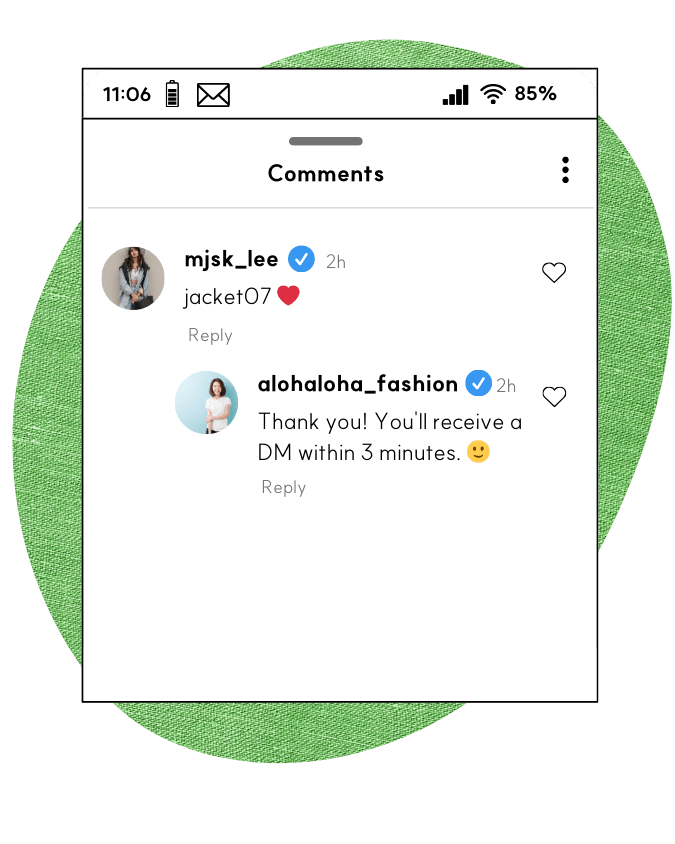
Auto-comments can be configured in the 'Comment Auto-Reply' menu.
Kittychat’s auto-comments are not post-specific.
All registered auto-comments are randomly selected and posted when DM automation is triggered.
You can add new auto-comments using the +New button.
Each line you enter will be treated as a separate auto-comment.
To quickly populate your list, click the +Add Default button to add 50 pre-registered auto-comments.
For bulk input, consider generating ideas with ChatGPT.
You can configure the auto-comment delay in the Settings (accessible via the button).
If you're a power user receiving a high volume of DM automation, it is highly recommended to set an appropriate delay and comment limit to avoid spam-like behavior.
Posting too many repetitive comments within a short time frame may be flagged as a violation of Instagram’s guidelines.
Even if auto-comments are stopped, paused, or delayed, automated DMs will still be sent.