Adding Keywords for DM Automation
Click the "Auto DM" menu.
Click the "+ New" button.
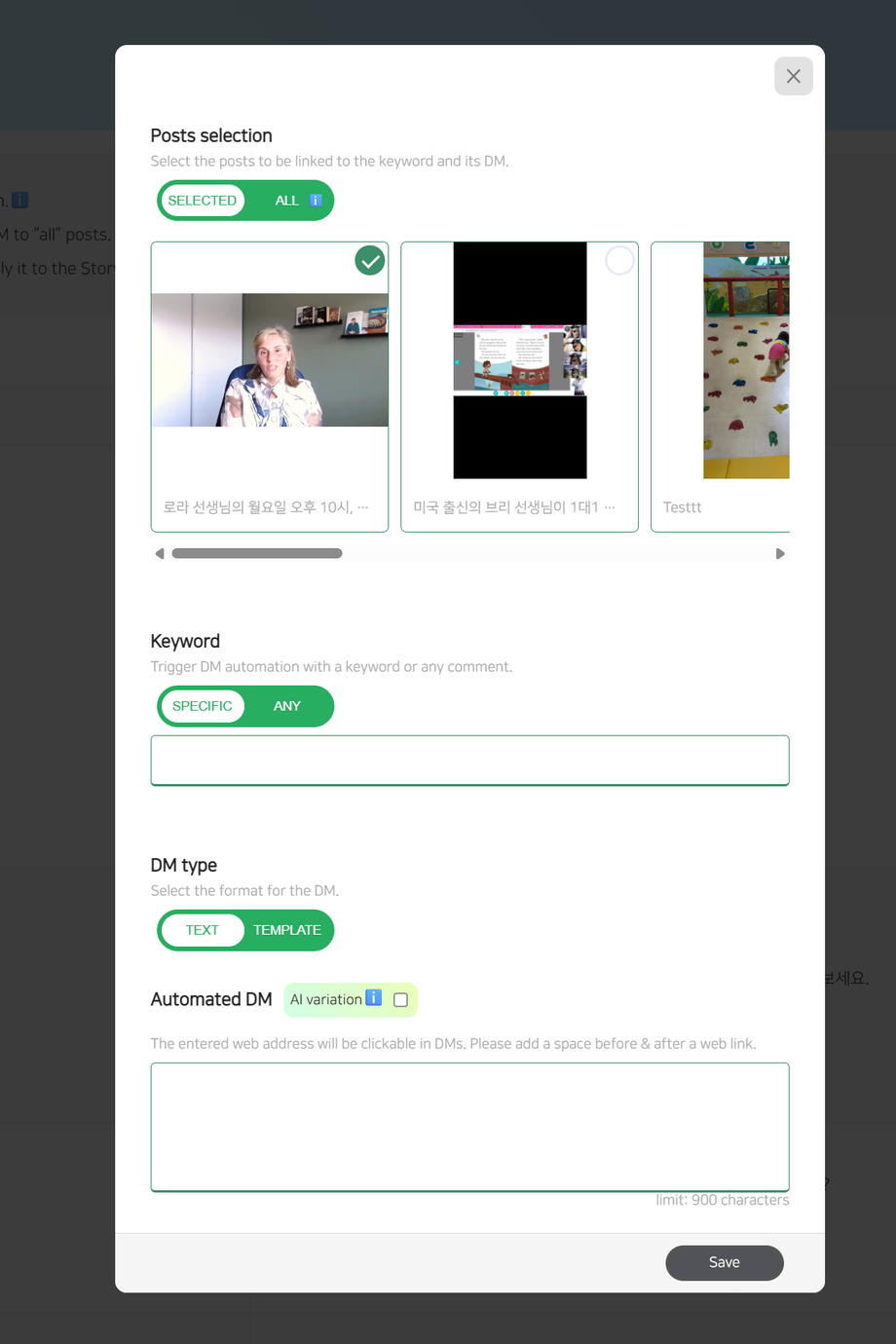
Choose Posts:
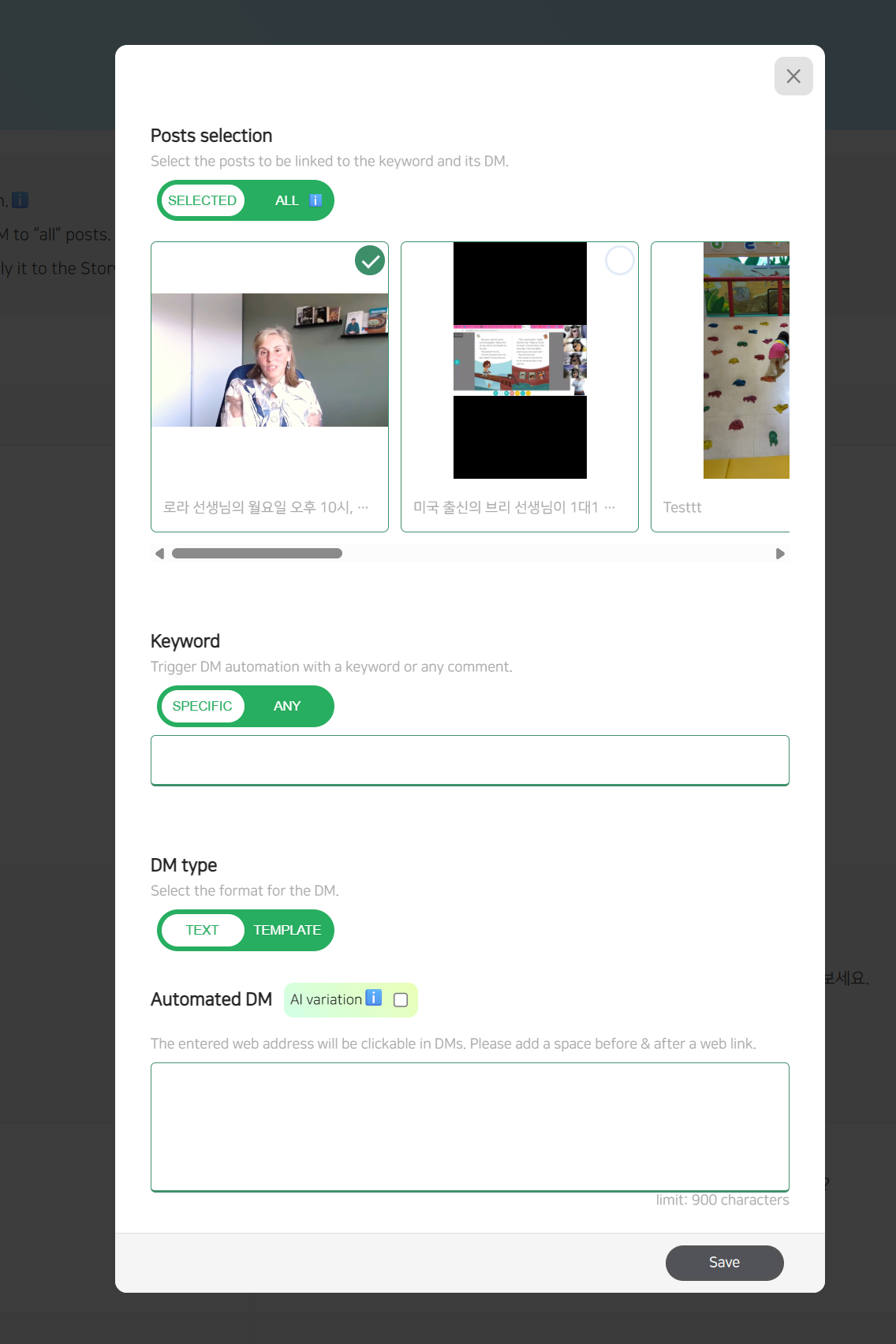
First, decide whether you want to apply DM automation to a specific post or to all posts. If you choose the specific post option, you can select multiple posts.Set Trigger Keywords:
Next, choose whether the automation should be triggered by any keyword or a specific keyword.
In Settings (accessible via the button next to the +Add New button), you can also specify whether the comment can include extra words or must exactly match the keyword.Select DM Type:
You can send either a text message or a template message.Configure Template Messages:
For template messages, you can add up to 3 buttons, each with its own follow-up message.
You can also choose to display button-triggered messages only to followers.
Non-followers will receive a default message set in the Settings (next to the +New button).
To use the Automated DM feature, ensure that the switch at the top of the screen is green (enabled).
Priority Matching for Similar Keywords
When multiple similar keywords are registered for the same post, the most relevant keyword will trigger its respective automated DM.
Example: If "jeans11" and "jeans112" are both registered keywords, and a user enters "jeans112," the system will send the automated DM message for "jeans112".